
Immersive website environments
Websites you can step into
On Apple Vision Pro, Safari can replace your room with a scene served by the page. The studio builds those scenes: modeled, lit, scored and optimised as USDZ, wired with the <model> element and requestImmersive() on visionOS 27.
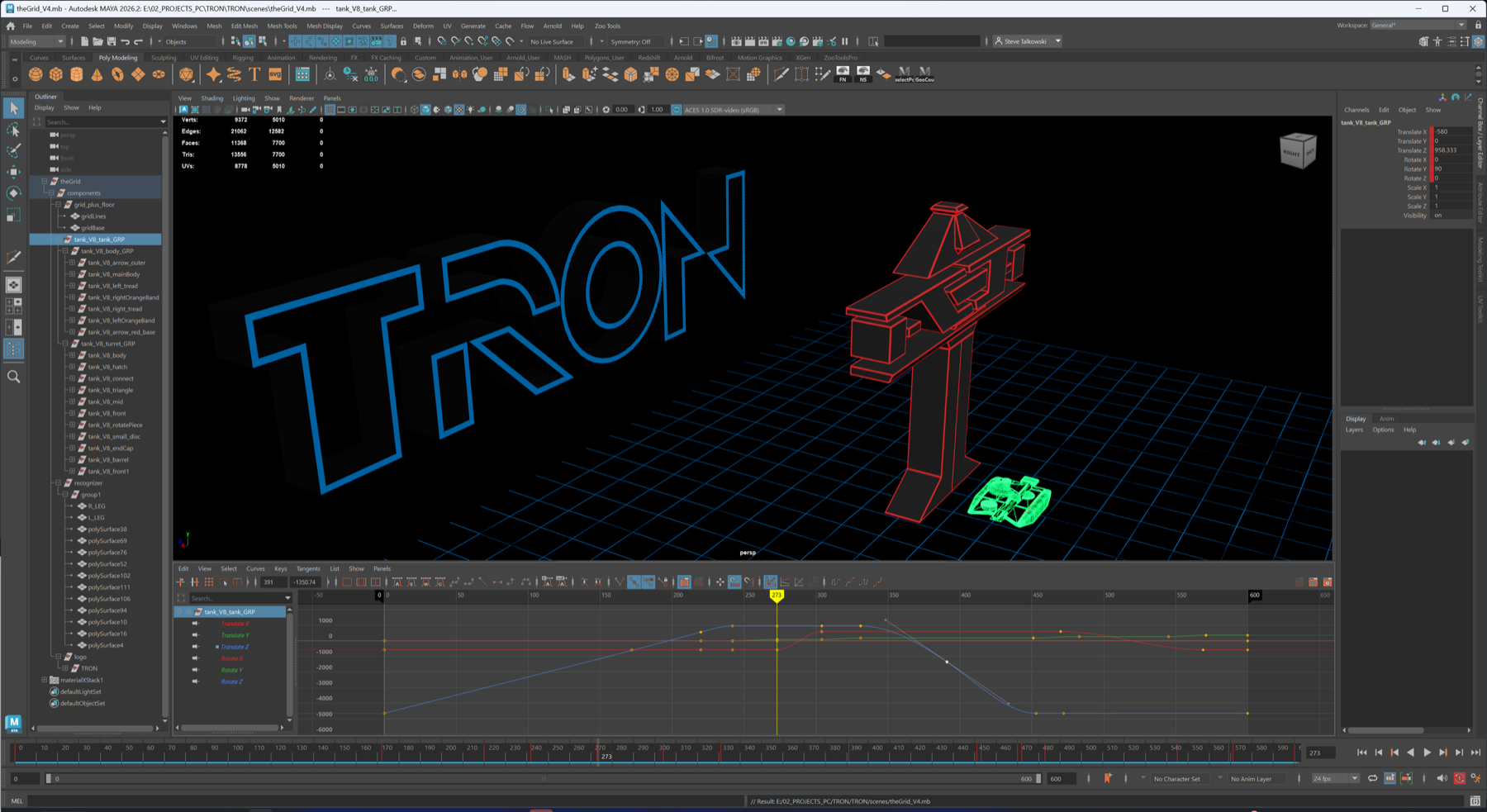
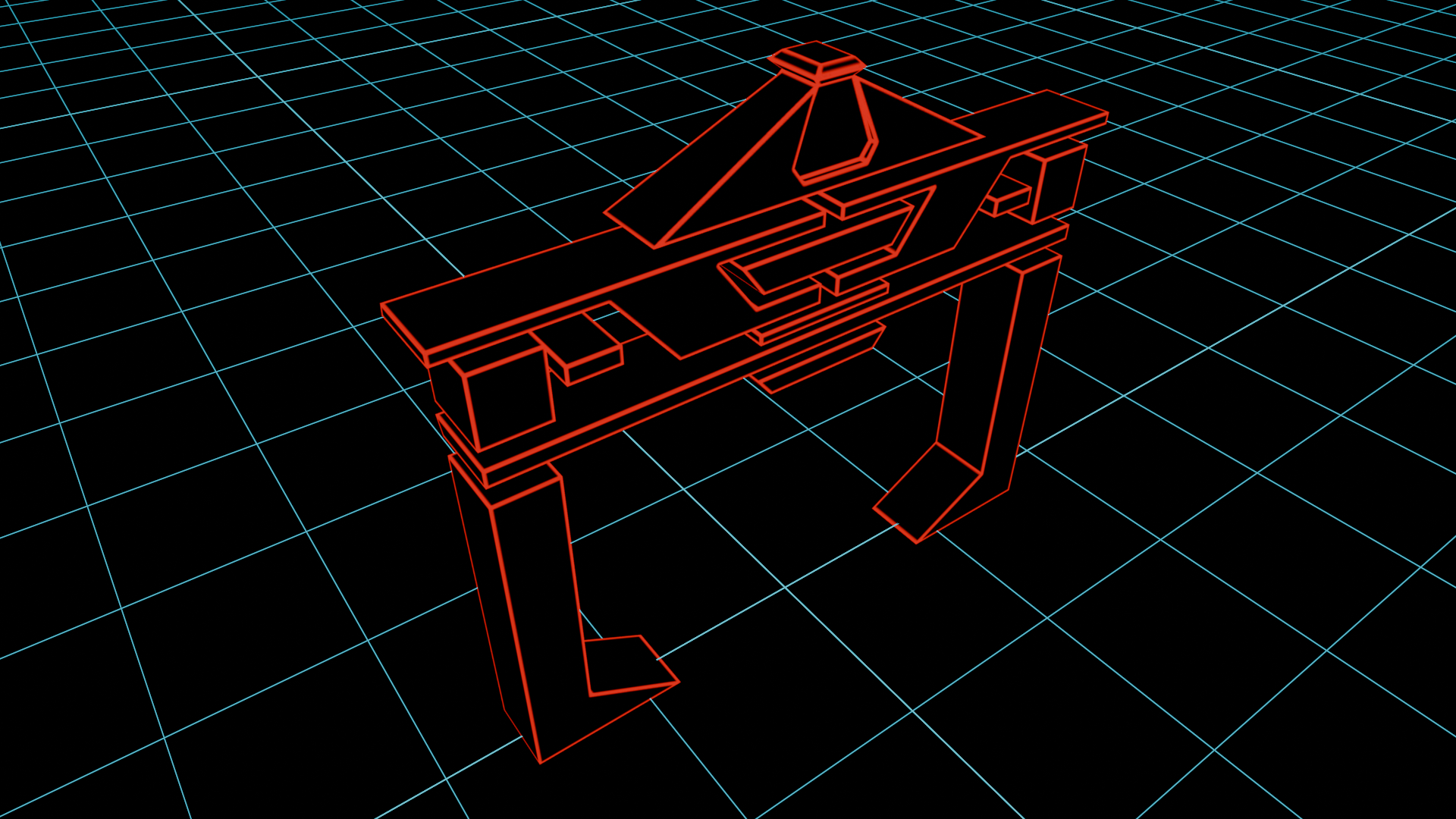
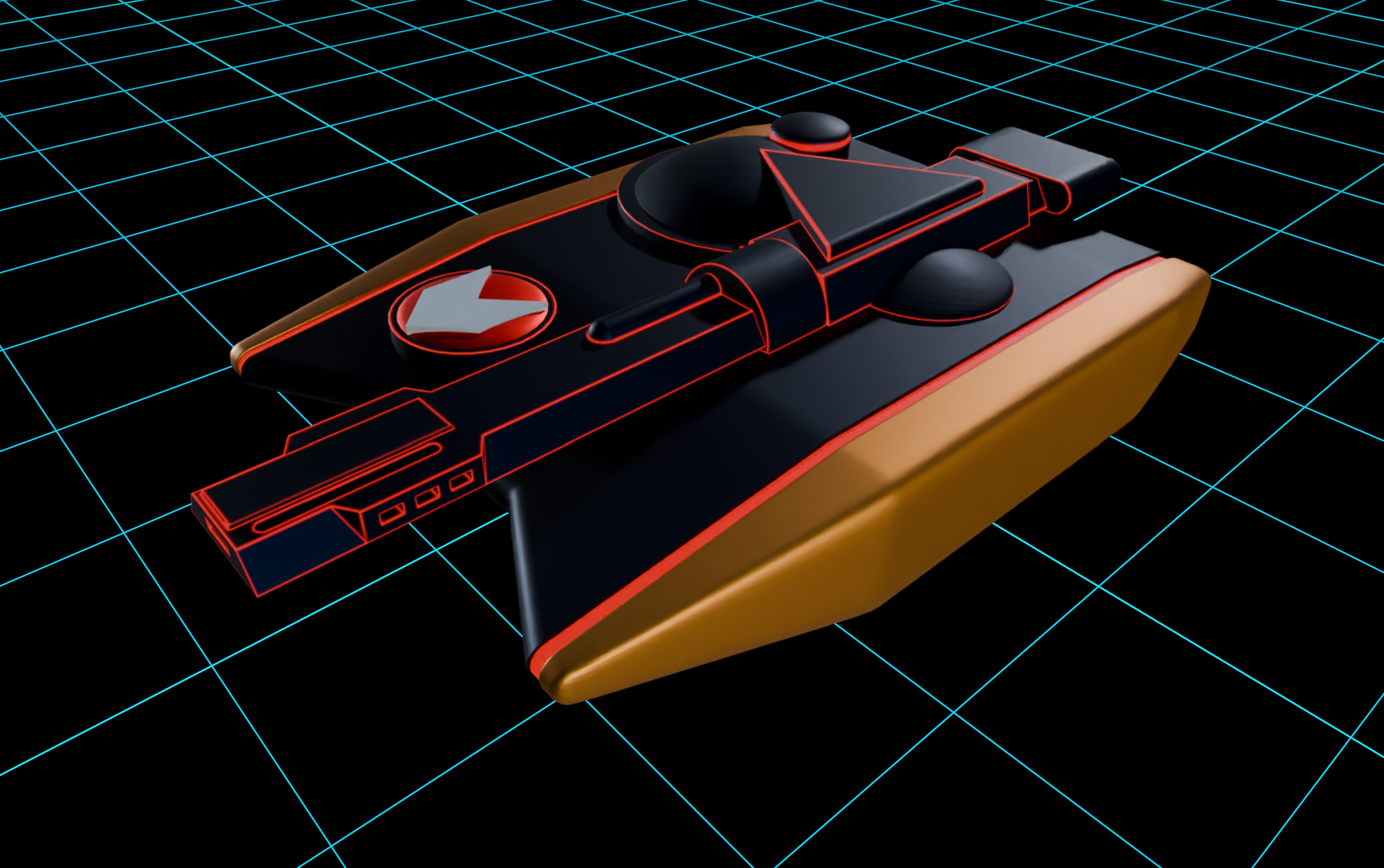
Enter The Grid
An homage to the 1982 original. Full immersion, looping Recognizer audio, a Digital Crown away from 360°. Press the button in Safari on Apple Vision Pro.
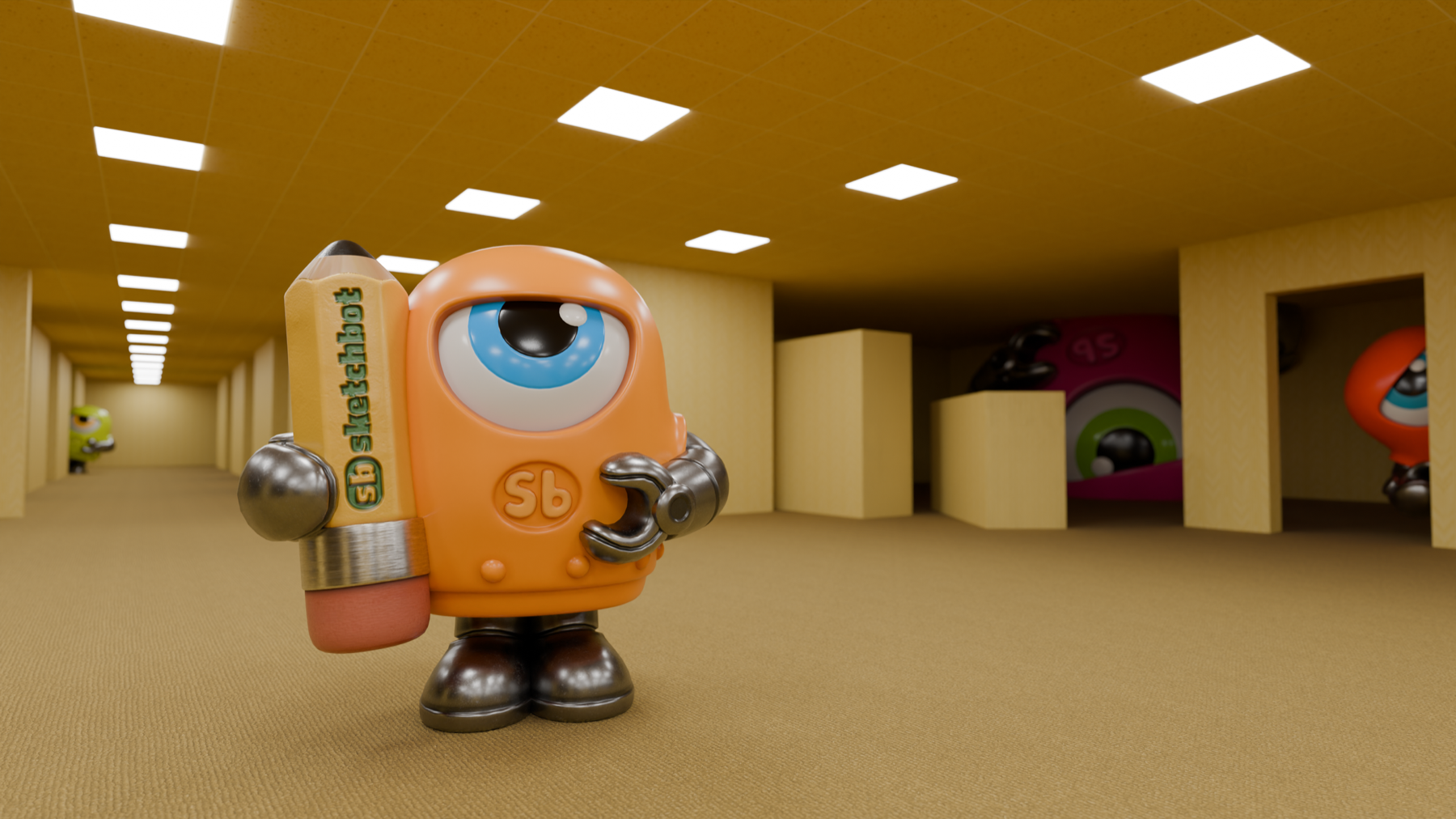
Lost in the Backrooms
Sketchbot wanders the liminal office. A baked-lighting USDZ environment optimised to 20 MB for Safari, assembled in Reality Composer Pro.
How it works
One page, every device
The same HTML serves every visitor; the browser picks the richest experience it can render.
Apple Vision Pro · visionOS 27
Full immersion from Safari
The page holds a <model> pointed at the environment USDZ. When it's ready, a button calls model.requestImmersive(); Web Audio starts the loop; onimmersivechange keeps the UI honest. Inline models render stereoscopically and can be pinched out of the page.
Everywhere else
Graceful flat
Desktop and phones get the poster, the copy and three.js-rendered models. Nothing breaks, nothing is hidden behind a device check.
<div class="immersive" data-backdrop="theGrid_full_V3.usdz" data-audio="recognizer_clip2.m4a">
  <button data-enter="Enter The Grid" data-exit="Exit The Grid">Enter The Grid</button>
</div>
<script type="module" src="/sketchbot-www/assets/js/spatial.js"></script>
The environment USDZ files are served from Steve's public spatial-assets repository.
For brands
Your showroom, in their living room.
Product launches, film tie-ins, museum previews, retail concepts: an immersive environment is the most memorable thing a website can do on Vision Pro, and it ships as a single file.